
Indian exam portals use different photograph and signature workflows. Some publish prepared-file dimensions and KB bands; others capture the photograph live. SSC CGL currently uses live photograph capture and a separate signature upload. IBPS PO lists a 200×230 px prepared photo in a 20–50 KB band. UPSC allows a wider 20–200 KB with no fixed pixel size. Upload the wrong size and the form shows an error before you can submit.
Five tools solve this specifically for Indian exam portals: all free, each with different coverage and trade-offs. Here is how they compare.
Transparency: easyPhoto is our product. The comparison below summarizes claims visible on the other products' public pages at the stated review date; those features can change and should be checked directly.
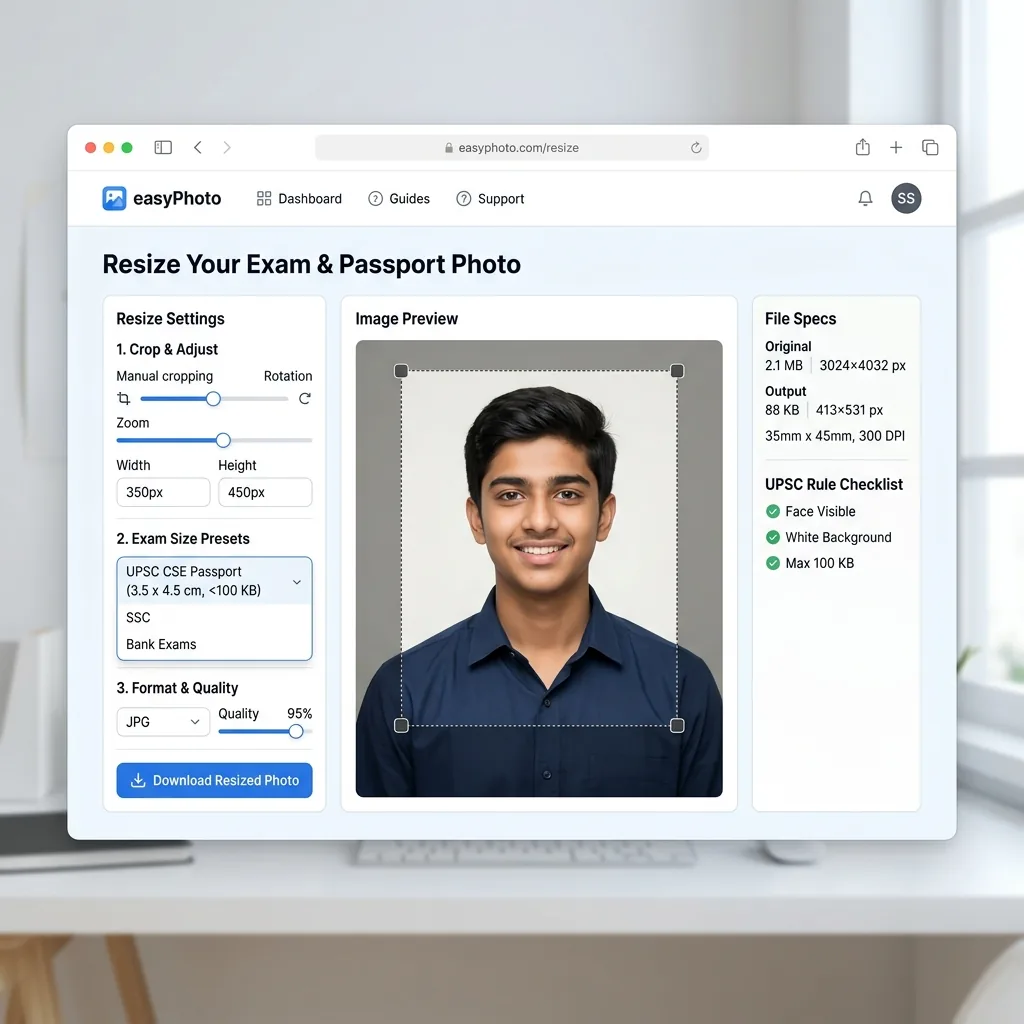
Exam photo specs at a glance
The reason generic photo tools don't work is that exam portals care about kilobytes, not just pixels. A standard photo tool resizes to dimensions. It doesn't target a KB ceiling. The table below shows how different each portal's spec is:
| Exam | Photo size | Photo KB | Signature size | Signature KB |
|---|---|---|---|---|
| SSC CGL / CHSL | Live capture | No prepared photo upload | No fixed pixels published | 10–20 KB |
| IBPS PO / Clerk | 200×230 px | 20–50 KB | 140×60 px | 10–20 KB |
| UPSC CSE / NDA / CDS | no fixed size | 20–200 KB | 350–500 px | 20–100 KB |
| Railway RRB | Live capture in current notice | Confirm current cycle | Stored target needs review | Confirm current cycle |
Registry snapshot: dated official sources are distinguished from entries that still need review.
This table is a snapshot. For the broader breakdown, including source and verification status for each entry, see our exam photo & signature size guide, exam photo and signature guide.
Five tools compared
| Tool | Free | On-device | Exams | Photo + sig | Passport photos |
|---|---|---|---|---|---|
| ExamMint Resizer | ✓ | ✓ | 104+ | ✓ Both + thumb | No dedicated page |
| myexamphoto.in | ✓ | Claimed (unverified) | ~13 + custom | ✓ Both | ✓ 35×45 mm |
| easyPhoto | ✓ | ✓ | 40+ portals | ✓ Both | ✓ 20+ countries |
| SarkariResizer | ✓ | ✓ | 20+ | ✓ Both | Listed (spec unverified) |
| govtphotoresizer.com | ✓ | Server (claims no storage) | 6 categories | ✓ Both | Questionable (600×600 square) |
Based on each tool's own website, June 2026.
ExamMint Resizer — the broadest exam-only tool
ExamMint Resizer (resizer.exammint.in) is the most comprehensive exam photo tool available. With 104+ exams across Central, State PSC, Banking, Police, Judiciary, and Admission categories, it covers more portals than any other free tool. It handles photo, signature, and left thumb impression: the third document type required by some Railway boards. Processing is on-device ("Your photos are processed locally in your browser and never uploaded to any server", confirmed on multiple pages), completely free, and works offline after initial page load.
What it doesn't do: ExamMint is built exclusively for exam document photos. No passport photos (no dedicated page for India's under-four 35×45 mm print or the separate overseas workflow), no PDF compression, no Aadhaar masking, and no format conversion. Spec pages reference the issuing body by name but link to a third-party syllabus site rather than the official government notification directly.
myexamphoto.in — pre-upload validator, PDF tools, smaller exam list
myexamphoto.in covers around 13 named exam presets plus a custom dimension mode, along with photo and signature resize, a PDF compressor, a DPI converter (200/300 DPI for portals that require it), and a universal file converter (PDF, JPG, PNG, WebP). The tool claims on-device processing — "photos never leave your device" — though this could not be directly verified via page fetch (the site returned 403 on all direct attempts; data is sourced from the .com mirror and Google-indexed snippets).
Its most distinctive feature is an Image Upload Validator: before you even submit your form, the tool checks your photo's dimensions, file size, format, and aspect ratio against the selected exam's spec and shows a pass/fail result. No other tool in this set does this. If you have ever been rejected at upload for a KB or pixel mismatch, this pre-check would have caught it.
The exam coverage is narrower than ExamMint: confirmed presets include UPSC, SSC CGL, IBPS, JEE Main, NEET UG, GATE, Kerala PSC, and RRB, among others. State PSCs beyond Kerala PSC are not listed.
easyPhoto — fewer exams than ExamMint, but the complete document toolkit
This is our product.
easyPhoto covers 40+ exam portals: less than ExamMint's 104+, more than myexamphoto.in's ~13. Specification pages show a linked source where available, plus either a verification date or a needs-review notice.
Where easyPhoto covers different ground entirely: the 35×45 mm under-four India passport print, separate overseas guidance, and passport photos for the US, UK, Canada, Schengen, and 20+ other countries. PDF compression for marksheets and certificates. Aadhaar masking. Format conversion (HEIC to JPG, WebP to JPG). If your application process involves a passport photo for ID proof, exam photo and signature, and PDF uploads of documents, easyPhoto handles all of it on-device with no upload.
SarkariResizer — solid for Punjab and regional state PSC exams
SarkariResizer covers 20+ exams with both photo and signature resize, on-device ("100% Private — Your files never leave your device"). Its coverage skews toward Punjab state government and regional PSC exams — BPSC, MPSC, and Punjab police portals appear prominently — making it the most useful option for state-level exams that larger tools may not cover.
For national-level exams (SSC, IBPS, UPSC), coverage is present but narrower than ExamMint. The site lists Passport as a menu item, but its support for India's below-four 35×45 mm print or the separate overseas workflow was not verified on accessible pages.
govtphotoresizer.com — 6 exams, server-side, questionable passport spec
GovtPhotoResizer covers 6 exam categories: SSC, RRB, DSSSB, UPSSSC, NEET, and CCC. It handles both photo and signature, and also supports left thumb impression for RRB — a less common feature. The tool is free with no account required.
Two caveats worth knowing. First, processing is server-side: photos leave the device. The About page claims "never stored after processing," but this is not backed by the privacy policy (which appears to be a default template with no technical detail). Second, the passport photo tool outputs a 600×600 px square. That does not match the 35×45 mm print required for an Indian passport applicant below four or the 630×810 overseas ICAO guidance. Ordinary adult domestic applicants do not submit either file because the PSK/POPSK captures the photo.
For the 6 exams it does cover, govtphotoresizer.com works adequately. For anything beyond those, or for passport photos, use a different tool.
Which should you use?
- You want the widest exam coverage possible: ExamMint Resizer (104+ exams, free, on-device, photo + signature + thumb impression).
- You want to pre-validate your file before submitting to the portal: myexamphoto.in — its Image Upload Validator checks dimensions, KB, format, and aspect ratio before you upload. No other tool here does this.
- You need exam photos AND passport photos AND PDFs from one place: easyPhoto — the only tool in this set that covers all three.
- You are applying for a Punjab or regional state PSC exam: SarkariResizer has the best coverage for state-level exams that larger tools omit.
- You only need SSC, RRB, DSSSB, UPSSSC, NEET, or CCC: govtphotoresizer.com covers these six, but note it uses server-side processing and its privacy policy does not confirm the "no storage" claim made on the About page.
- You want to review the recorded spec source: easyPhoto shows the named source where available and distinguishes dated verification from needs-review entries.
If your photo meets the spec but still gets rejected, the six reasons exam photos get rejected covers KB floors, signature backgrounds, format mismatches, and the quick fix for each.
Frequently asked questions
Does ExamMint cover SSC CGL photo and signature?
Its public page lists SSC CGL among its presets. Current SSC instructions capture the photograph live and publish a separate 10–20 KB JPG/JPEG signature upload, so a prepared-photo preset does not replace the live camera step.
What is the SSC CGL photo size requirement?
Current SSC applications capture the photograph live; the notice does not publish a photo file-size or pixel upload requirement. It separately lists a 10–20 KB JPG/JPEG signature at about 6.0×2.0 cm and no fixed signature pixels.
What is the myexamphoto.in Image Upload Validator?
Its public page describes a pre-submission file checker. Treat any result as a measurable file check, not an acceptance decision, and compare the displayed target with the current authority notice before use.
Can I use the same photo for multiple exams?
Only when the current workflows match. IBPS uses a prepared 20–50 KB, 200×230 px photo, UPSC lists a prepared 20–200 KB photo with no fixed photo pixels, and current SSC uses live capture rather than a prepared photo upload.
Do these tools upload my photo to a server?
ExamMint, myexamphoto.in (claimed), easyPhoto, and SarkariResizer all state on-device processing. govtphotoresizer.com processes server-side, claiming photos are not retained after processing (the About page only — not backed by the privacy policy). You can verify on-device claims yourself by opening the browser's network tab while resizing: no image upload request should appear.